If you have access to your cPanel account, follow these steps to reset your password:
Steps to reset cPanel’s Account Password
-
Log in to your cPanel account.
-
In the Preferences section, click on Password & Security.

-
Enter your old password.
-
Enter your new password or use a password generator.
-
Click on Change your password now.
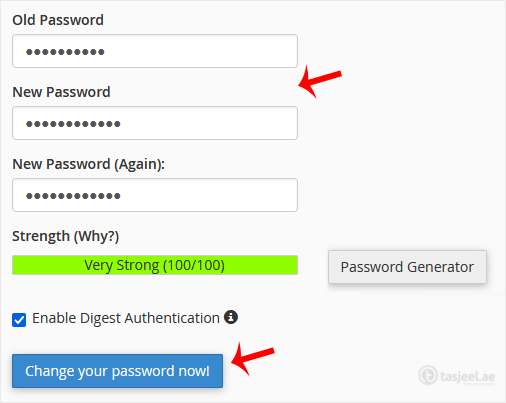
If it displays a success message, it means that the password has been changed. Now, you can access your account using the new password.
Note: If you forgot your cPanel password and cannot access your account, please open a ticket with us.