

You can access your Email account directly from Webmail.
Steps to access Email from cPanel Webmail
-
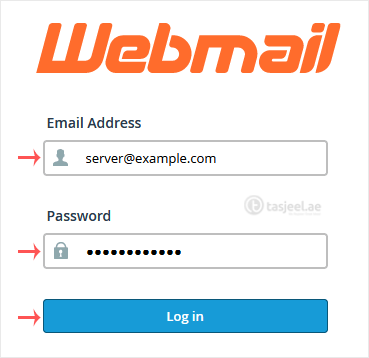
Open http://example.com/webmail, replace example.com with your domain name, enter your full email address and password in user login details, and click on Login.
-
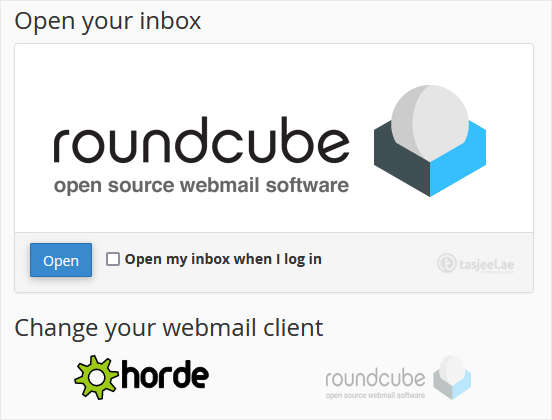
From the cPanel’s Webmail Page, click on any Webmail email reader such as Roundcube, or any other available application.
Use the Webmail Email Reader to read your email.
