
Got a .ae domain with Etisalat (nic.ae)? You can move it to Tasjeel.ae for free, or keep it there and point it to hosting or email with us.
This guide exists due to client requests.
Move your .ae domain from Etisalat to Tasjeel.ae
- Ask Etisalat for the transfer code
Contact Etisalat’s nic.ae support and ask for the domain’s transfer (auth) code. They’ll give it to the domain’s registered owner.
Can’t get the code from Etisalat?For .ae domains, we can ask the .ae registry to send the transfer code straight to the email address registered on the domain. Just chat with us or open a ticket and tell us the domain name. If you no longer use that email address, Etisalat needs to update it first.
- Turn off transfer protection if it’s on
If your domain shows as “Transfer Protected” in your nic.ae account, switch that off first from the domain’s Manage page.
- Order the transfer with us
In our client area, go to Domains › Transfer in a Domain and enter the domain and code. .ae transfers to us are free.
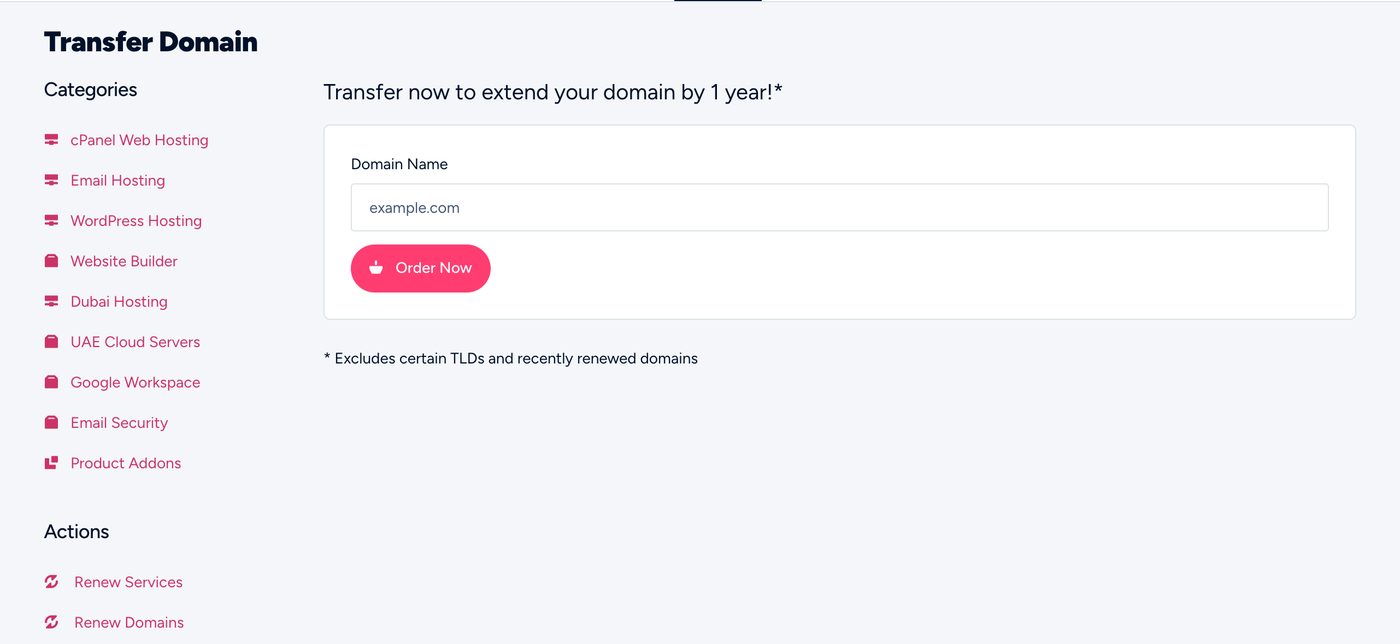
Transfer Domain in the client area - Wait up to 48 hours
Once you get our “Domain Transfer Initiated” email, the move completes within 48 hours. Your expiry date stays the same.
The transfer doesn’t change your nameservers, so everything keeps running during and after the move.
Keeping the domain at Etisalat? Use it with our hosting or email
Change the domain’s nameservers in your nic.ae account to the ones in your Tasjeel.ae hosting welcome email. Copy any email or website records you still need first, because Etisalat’s DNS stops applying once the nameservers change.