
Moving your domain to another registrar? You’ll need a transfer code from us. For your security we only give it to the domain’s owner, so here’s what to send and what happens next.
Before you start
- The domain must be active. If it has expired, renew it first.
- .com, .net and similar: the domain can’t move within 60 days of being registered, transferred or changing owner. That’s an ICANN rule, not ours.
- Check the owner details are right. The new registrar may email the owner to approve the transfer.
Get your transfer code
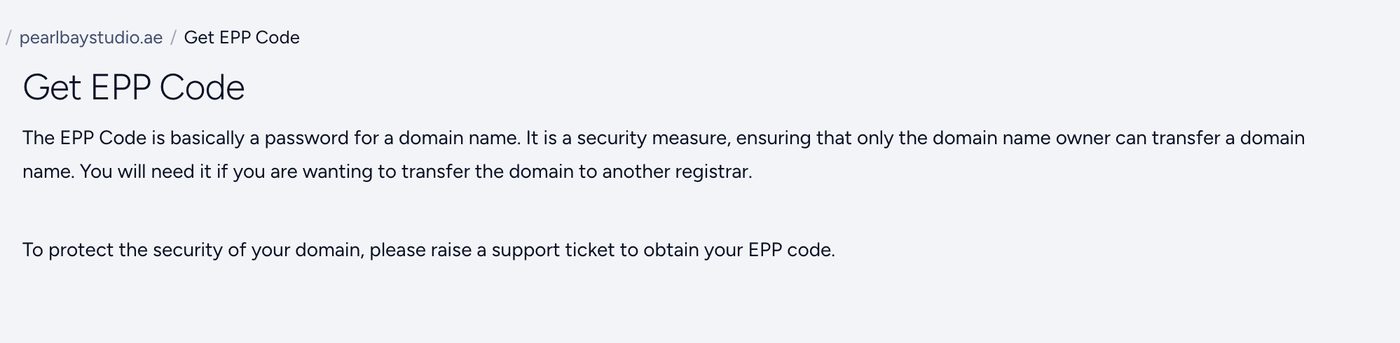
For your security, we give transfer codes by support ticket only, for every domain extension. The Get EPP Code page in your client area tells you the same.
- Open a ticket from your account’s registered email
The request must come from the email address on your Tasjeel.ae account. Name the domain you want to move.
- Attach your ID
- Domain owned by a person: that person’s Emirates ID.
- Domain owned by a company: the trade licence, plus the Emirates ID of the owner or manager named on it.
- We send you the code
Once we’ve checked the details match the domain’s owner, we reply with the code.
- Start the transfer at your new registrar
Give them the code. For .com and similar, the owner may get an email asking to approve the move.
What happens to your website and email?
A transfer only changes who you renew the domain with. Your nameservers and DNS stay as they are, so a website or email hosted with us keeps working.
Hosting and email plans aren’t moved or cancelled automatically. If you don’t need them any more, see Cancel a service.
Common questions
How long does it take?
.ae transfers usually complete within 48 hours of the new registrar starting them. .com and similar take 5 to 7 days, or less if the owner approves the email.
Why do you need my ID?
A transfer code lets someone take your domain. Checking ID stops anyone else from moving it without your say.
The person who set up the account has left.
Contact us. We’ll explain how to prove you’re entitled to the domain.