

Before you begin
You can find our nameservers in your hosting welcome email. You need to update your domain nameservers to our nameservers.
If your domain is registered on 123-Reg, you should follow this tutorial to update your domain’s Nameservers.
Steps to update the DNS Nameservers at 123-Reg
-
Open the 123 Reg website and click on Sign In. Then, click on “Sign-in” in the pop-up window.

-
Enter the username and password of your 123-reg account and click on Sign-in.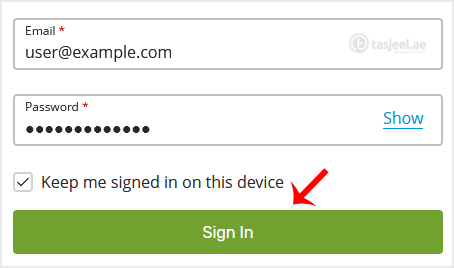
-
Under the Domains section. Click on DNS next to the domain you wish to manage.

-
Click on the Nameservers tab and then on Change Nameservers.

-
Choose the “I’ll use my own nameservers” option, and enter your nameservers in the designated fields.

You will see a success message.
Note: It may take anywhere from 12 to 24 hours for the changes to take effect worldwide.
