

Steps to import a Database via phpMyAdmin in cPanel
-
Log in to your cPanel account.
-
In the Databases section, click on phpMyAdmin.

-
From the navigation tree in the left sidebar, select an appropriate database in which you want to import data using the SQL file.

-
Click on Import.
-
Under File to import, click on Choose File and select SQL file from your computer.
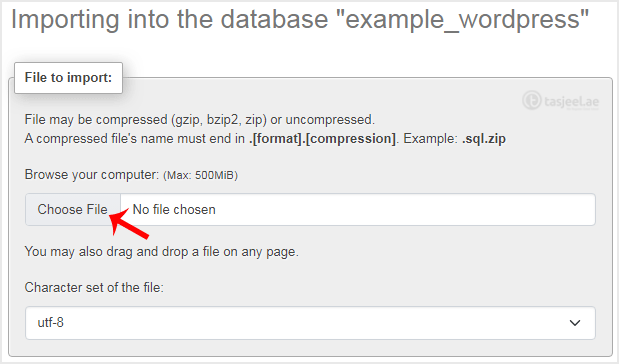
-
Scroll down and click on Import.
If it shows a success message, your SQL has been successfully uploaded.

