

You can easily change the password if you have access to your WordPress account.
Steps to change the Password of a WordPress Account
-
Log in to the WordPress dashboard.
-
From the Dashboard menu, go to Users and click on Profile.

-
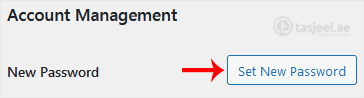
Scroll down to Account Management and click on Set New Password.
-
Copy the password to a safe place and click on Update Profile to change your password.
