
We back up your hosting automatically, so if something goes wrong you can roll back yourself, in a few clicks.
What we back up, and how often
| Plan | Backups | Kept for |
|---|---|---|
| Hosting and email plans | Twice a day | 30 days |
| Ultimate hosting | Four times a day | 30 days |
| Website Builder | Once a day | 30 days |
Restore something yourself
- Open JetBackup
In cPanel, open JetBackup 5.
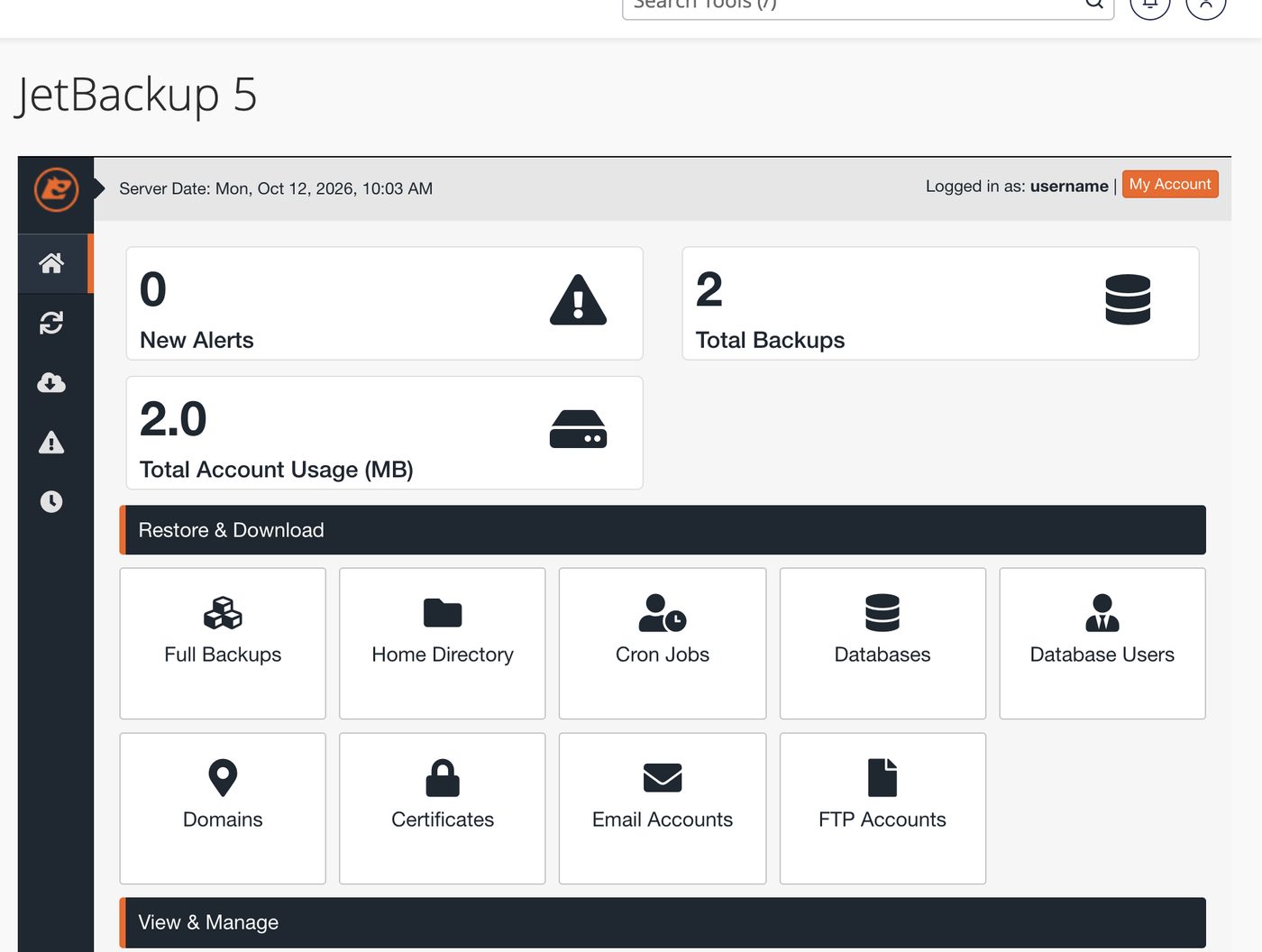
JetBackup 5 in cPanel - Choose only what you need
Under Restore & Download, pick the part that broke: Home Directory for your website files, Databases for a database, or Email Accounts for a mailbox.
- Pick a date and the files
Choose the backup from before the problem. In Home Directory you can open the backup and tick just the folder or files you need, such as
public_htmlor one plugin folder, instead of everything. Then restore.
If only your website is broken, restore its files or its database, not the whole account. Small restores finish faster and don’t touch your email. For a whole-account restore, contact us and we’ll do it for you.
Anything changed since that backup is lost. If your site was hacked, pick a backup from before the hack, or you’ll restore the problem too.
Download a copy
In JetBackup, choose what you want and select Download instead of Restore. You’ll get a file to keep on your computer.
- Your database: download it from Databases. It’s usually small and quick. You can also export it yourself, see Databases: create, import and export.
- Your website files: download from Home Directory, choosing just
public_htmlor the folders you need. - A copy of everything for a large website? Contact us rather than downloading the whole account. We’ll prepare it for you.
Common questions
I can’t find the backup I need.
Backups are kept for 30 days. Contact us and we’ll check what’s available.