
Your client area at my.tasjeel.ae is where you manage everything: domains, hosting, email, invoices and support tickets.
- Go to the login page
Type https://my.tasjeel.ae/login into your browser, or click Log In at the top of tasjeel.ae.
- Log in
Enter the email address and password for your Tasjeel.ae account, then click Login.
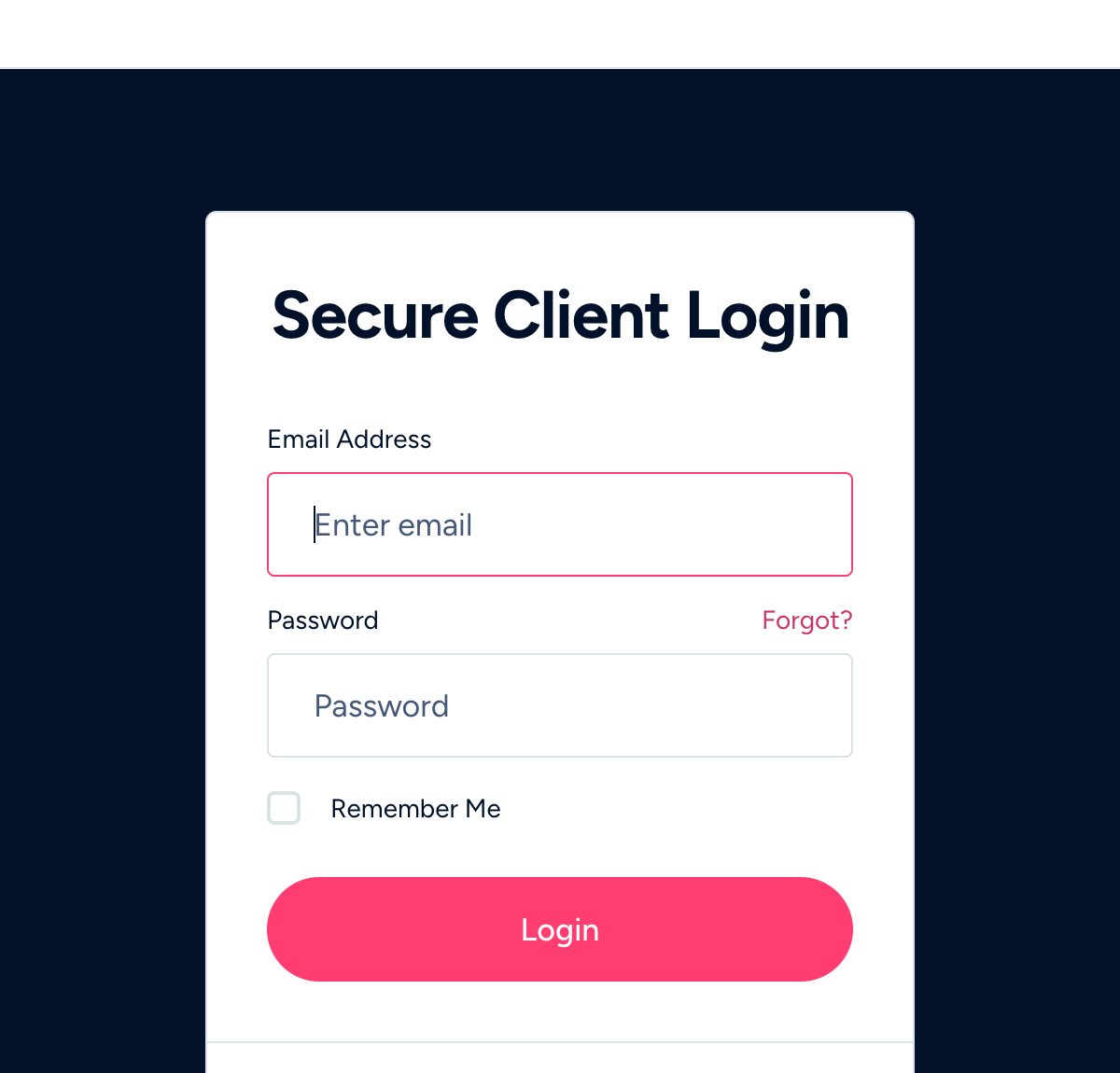
The client-area login page - Enter your code if asked
If you’ve turned on two-step login, type the 6-digit code from your authenticator app.
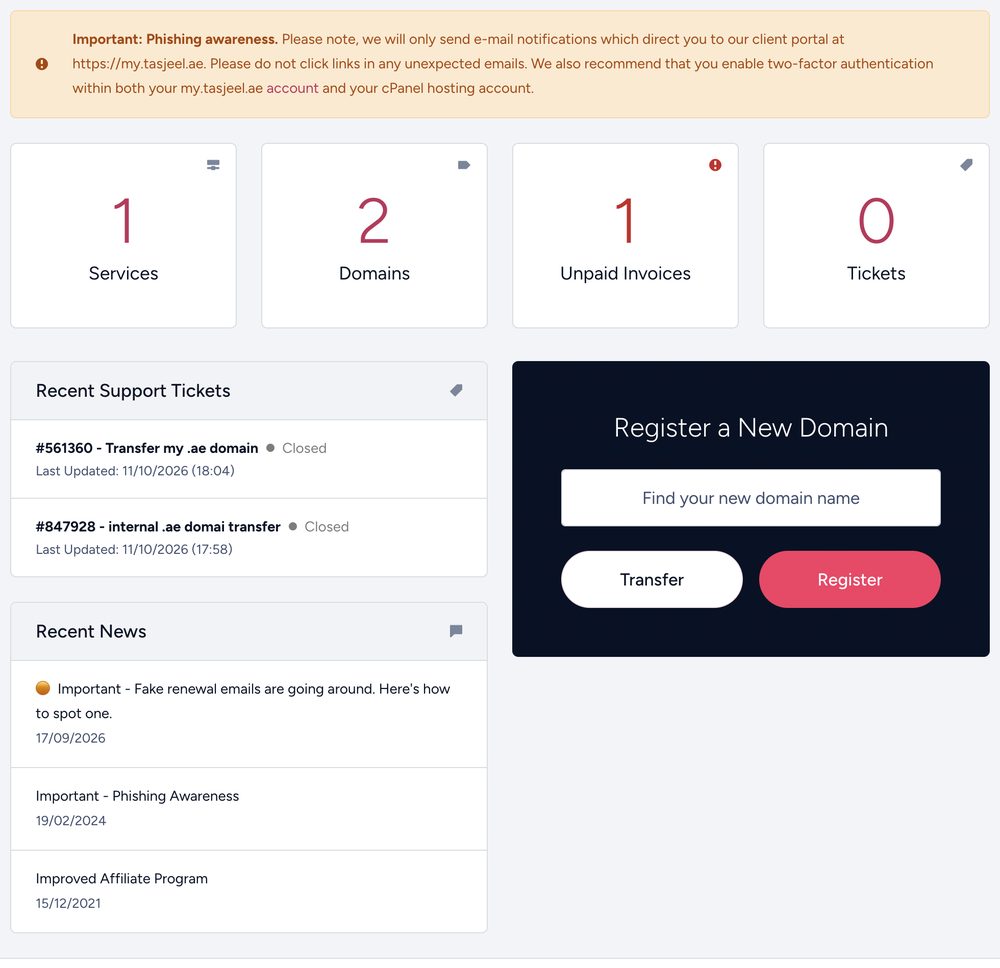
Once you’re in, your dashboard shows your services, domains, unpaid invoices and tickets at a glance.
Can’t log in?
- Forgot your password? See Reset your client-area password.
- Lost your phone or two-step login codes? See Lost your phone or 2FA codes.
- Logging in to cPanel or webmail? Those have their own logins. See Log in to cPanel and find your username and Log in to webmail.