
Let your team, accountant or web developer into your account with their own login, instead of sharing yours.
- Open User Management
Log in at my.tasjeel.ae. Click your name at the top right, then User Management.
- Invite them
Click Invite New User, type their email address and choose what they can do.
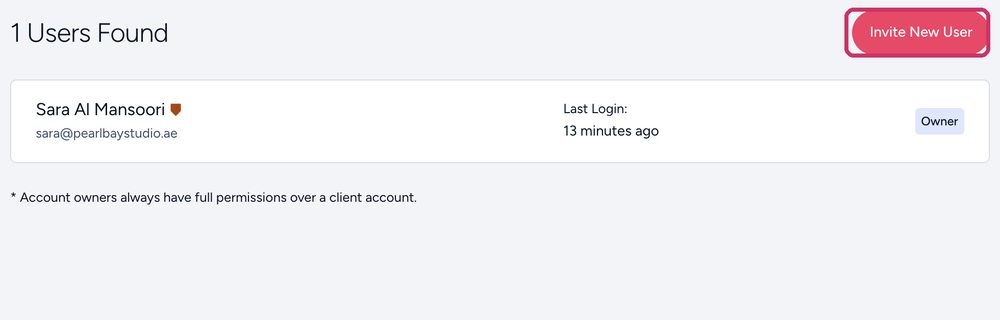
Invite New User - Choose their permissions
Give only what they need, for example invoices only for your accountant, or domains and DNS for your developer.
- They accept
They get an email invitation and set their own password.
Why not just share your login?
Each person has their own password, you choose what they can see, and you can remove them in one click when they leave. Shared logins are the most common way businesses lose control of their domains.
Remove someone
In User Management, click the person and remove their access. Do it the day they leave.