
Your support PIN lets our team confirm it’s you on chat and WhatsApp. Here’s where to find it, and how to change it.
Find your support PIN
- Open a service or domain
Log in at my.tasjeel.ae and open any service or domain.
- Show it
Your PIN is at the top of the menu on the left. Click Show full pin to see it.
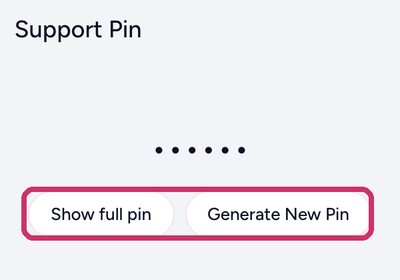
Show full pin, or Generate New Pin
Give it to our team on chat or WhatsApp when we ask. Click Generate New Pin any time to make a new one; the old one stops working.
Your security question
Your account may also have a security question. To change it, click your name › Security Settings › Change Security Question.
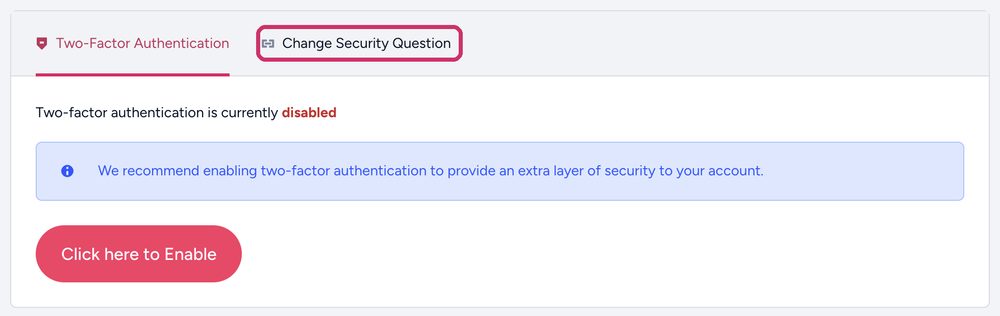
Forgotten your security answer?
- Email us from the address on your account
Email [email protected], or open a ticket, from the email address registered on your Tasjeel.ae account. Attach your Emirates ID or passport, and for a company account the trade licence too.
- We switch it off
Once we’ve checked, we turn the security question off so you can log in.
- Turn it back on
Once you’re in, set it up again under your name › Security Settings › Change Security Question.