
A staging copy is a private duplicate of your website where you can try updates, plugins or a new design without touching the live site.
Create a staging copy
- Open your site in WordPress Manager
In cPanel, open WordPress Manager by Softaculous and click the arrow next to your site.
- Click Staging
Click Staging.
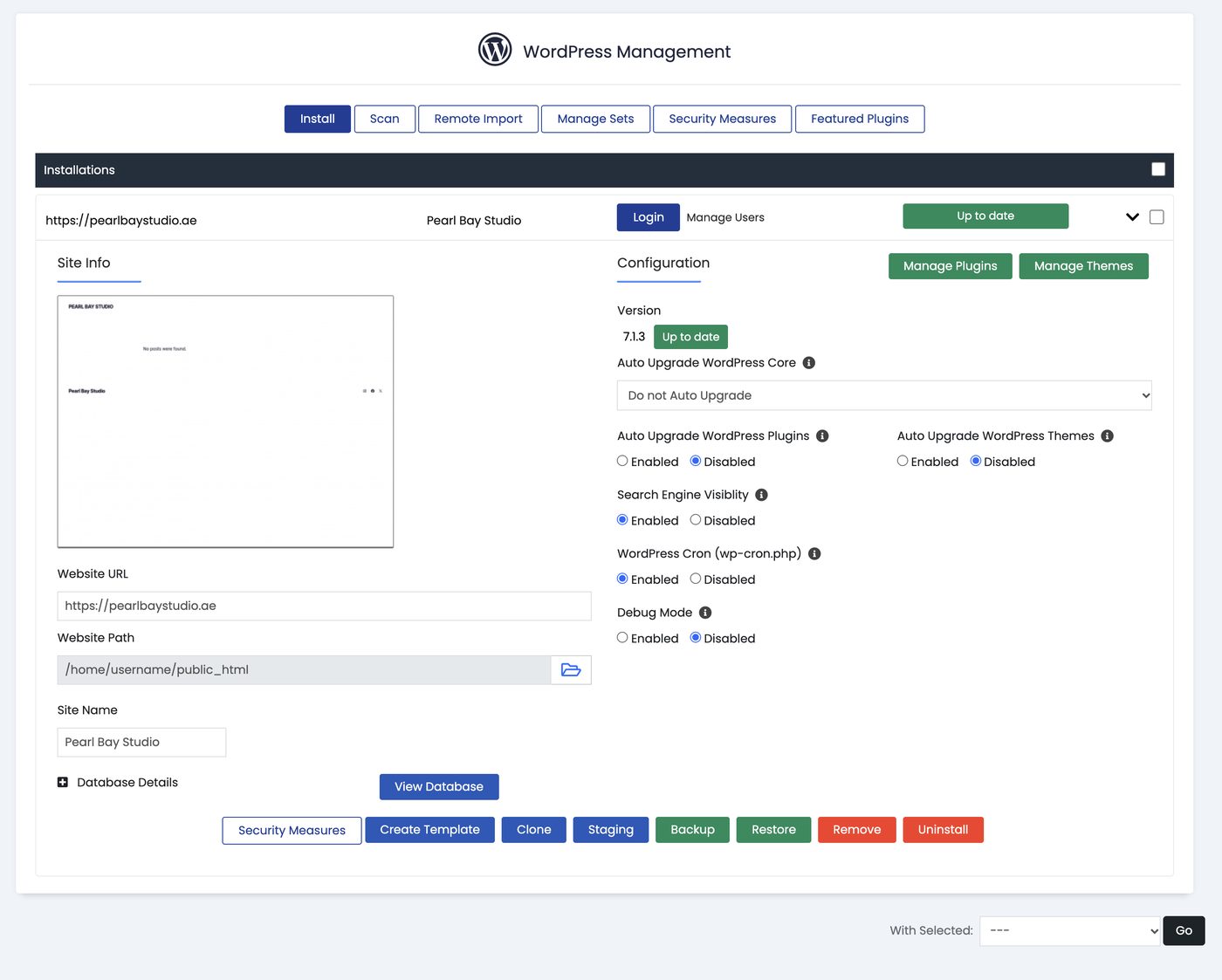
Staging, Clone, Backup and Restore in WordPress Manager - Choose where it lives
Pick a subdomain or folder for the copy, such as
staging.yourdomain.ae, and create it.
Work on the copy, then go live
Make your changes on the staging site and check everything works. When you’re happy, open the staging site in WordPress Manager and push it to live.
Pushing to live replaces your live site.
Take a backup first. Anything added to the live site since you made the copy, such as new orders or comments, can be overwritten.