Photo by Brett Jordan on Unsplash
Your email says a lot about your business. Whether you’re reaching out to clients, suppliers, or potential partners, a professional email can make or break that first impression.
Here are some simple but powerful ways to make your email more professional.
Start Creating Professional Emails

1. Use a Custom Domain
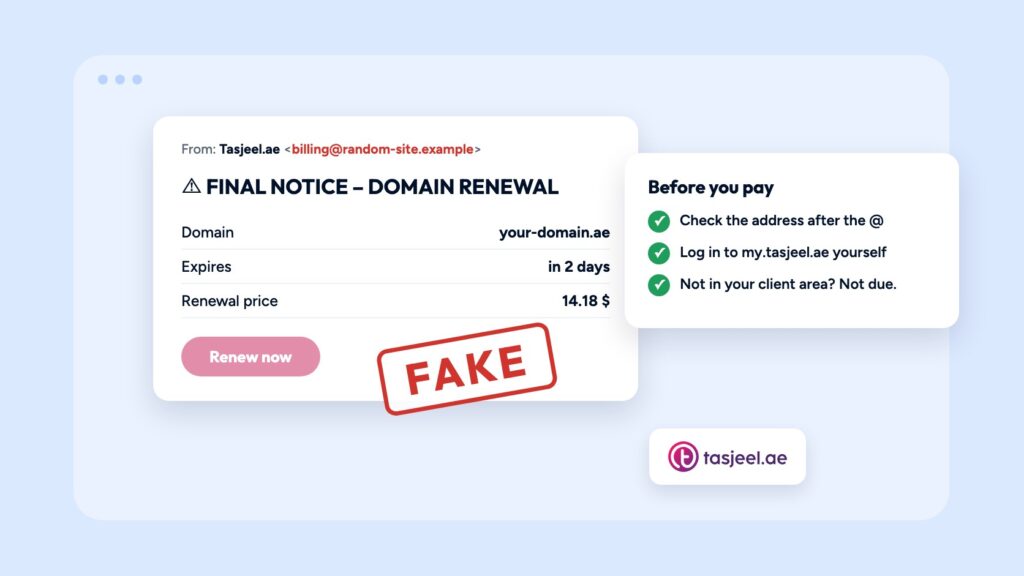
Stop using @gmail.com or @yahoo.com for your business. It looks unprofessional and makes your emails easier to ignore. Instead, use a custom domain. For example:
This instantly adds credibility and shows you’re serious about your brand. With tasjeel.ae’s Email Hosting, you can create branded email addresses tied to your domain. It’s affordable, secure, and easy to set up.
2. Keep Your Display Name Clear and Correct
Your display name should be your real name or your business name—not a nickname or random username. For example, use Sara Mansoori instead of SassyQueen97. A clear sender name builds trust and increases your open rates. People are more likely to open emails from names they recognize.
View Brevo’s rules of email sender names here.
3. Use a Professional Email Signature
Every business email should end with a clean, well-designed signature. This adds polish and provides useful contact details.
Include:
- Full name
- Job title
- Company name
- Phone number
- Website URL
- Social media (if relevant)
Avoid clutter. Keep it short and simple. You can also use tools to generate clean, branded signatures.
Use website’s to help create your email signature.
4. Be Careful With Grammar and Tone
Bad grammar and spelling can ruin your message. It signals carelessness and can damage your reputation.
Use tools like Grammarly to check your emails before sending. Write in a friendly, polite, and direct tone. Avoid slang and emojis in business emails. And always double-check names, dates, and attachments.
5. Use a Secure, Reliable Email Hosting Service
Free email services often lack strong security features. They may also limit your control and storage. Professional email hosting gives you:
- Strong spam filters
- Virus protection
- 24/7 uptime
- Data backups
- More control over accounts
With tasjeel.ae’s Email Hosting, your business benefits from reliable UAE-based servers, secure data handling, and easy management tools. You stay in control while keeping your communications professional.
6. Set Up Auto-Replies and Email Forwarding
If you’re out of the office or changing roles, don’t leave contacts hanging. Use auto-replies to let them know when you’ll respond.
Set up email forwarding if someone else is handling your inbox while you’re away. This shows you value communication—and your clients. Tasjeel’s email hosting makes it easy to manage these features from a central control panel.
Learn more in our support article.
7. Avoid Overused Email Templates
Templates are useful, but don’t copy-paste the same message over and over, always personalise your emails. Use the recipient’s name, mention specific topics and keep your message brief and direct. Personalised emails feel genuine—and they get better responses.
View this guide for personalising your emails.
Final Thoughts
Professional emails are a small step that makes a big impact. They build trust, boost your brand image, and improve communication with clients.
Want to level up your business communication? Start with a custom email address from tasjeel.ae’s Email Hosting. It’s the simplest way to stand out in every inbox.